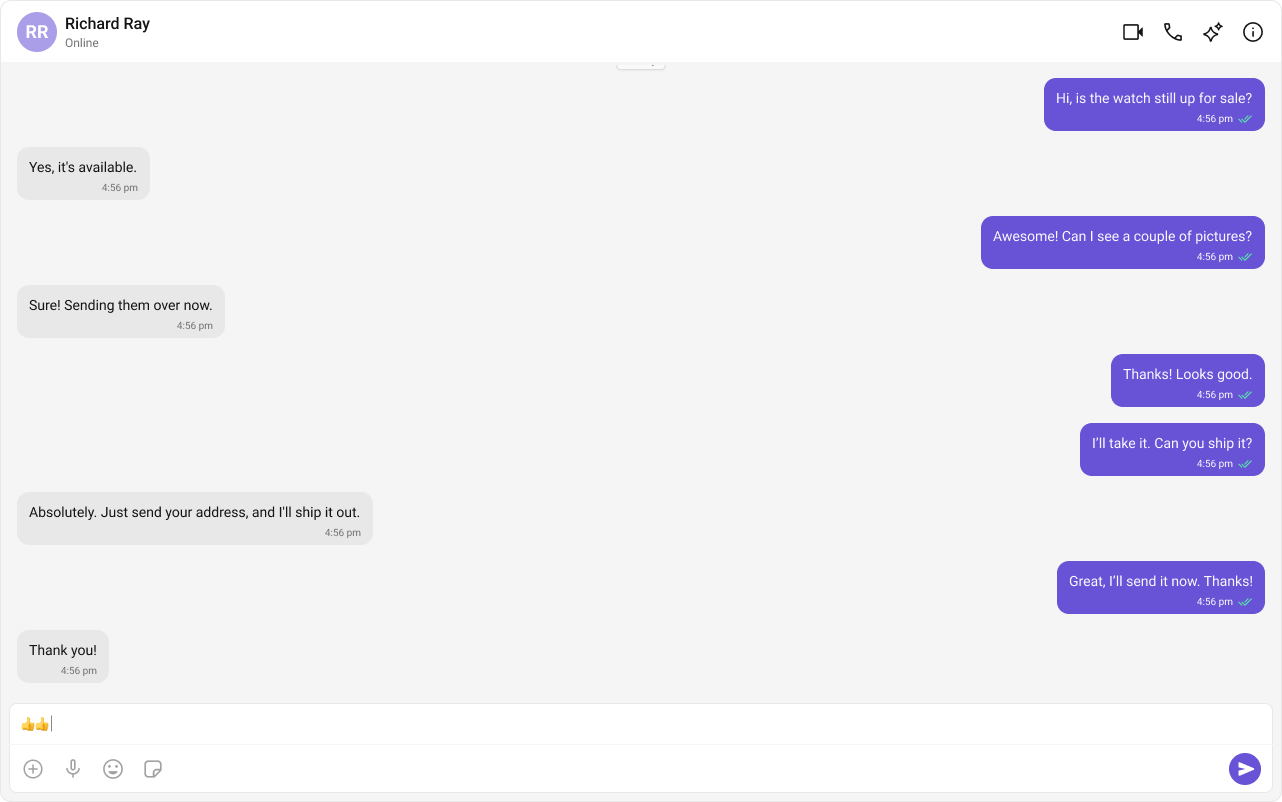
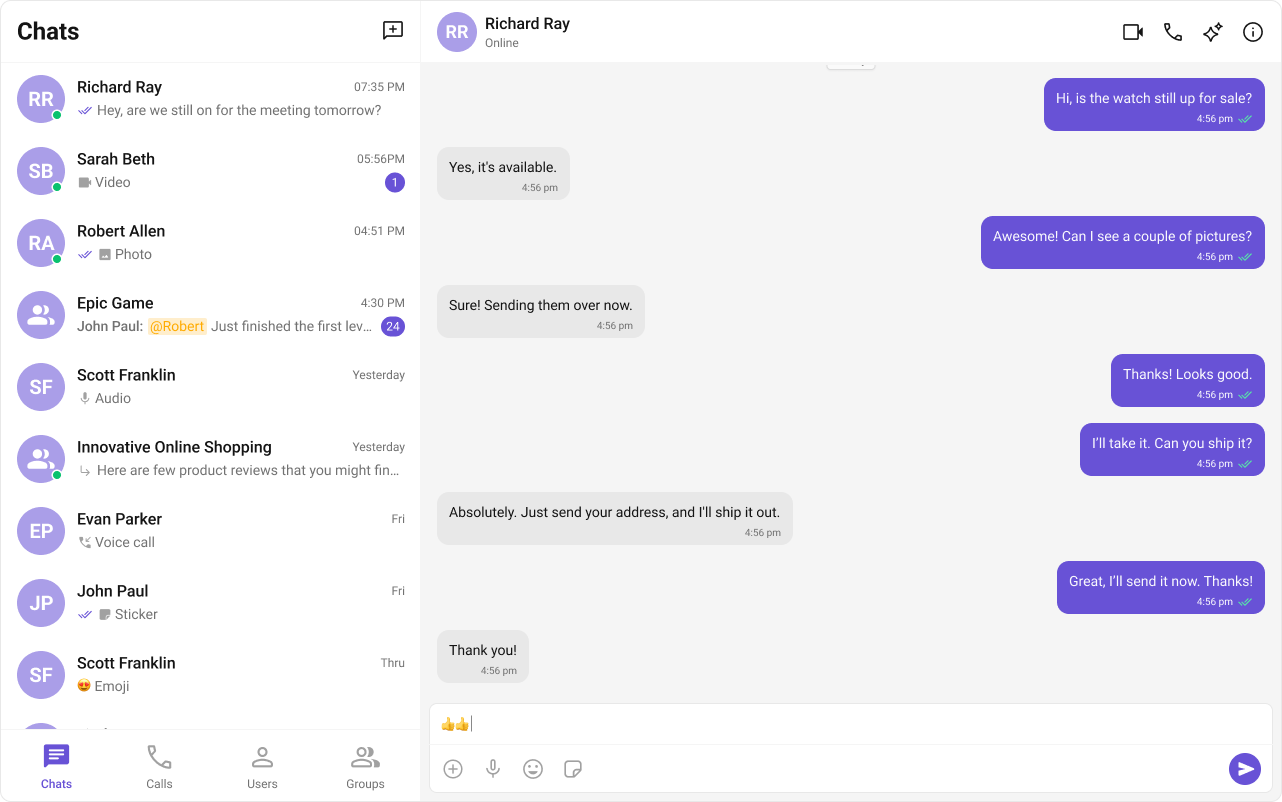
This guide walks you through integrating CometChat into a React.js application. By the end, you’ll have a fully functional chat UI with conversations and messaging.Time estimate: 15 minutes
Difficulty: Beginner
Basic familiarity with React hooks (useState, useEffect)
Auth Key is for development only. In production, generate Auth Tokens server-side via the REST API and use loginWithAuthToken(). Never ship Auth Keys in client code.
Step 4: Initialize CometChat with UIKitSettingsBuilder
Create a constants file for your credentials and initialize the UI Kit. Initialization must complete before login.
src/AppConstants.ts
Report incorrect code
Copy
Ask AI
export const COMETCHAT_CONSTANTS = { APP_ID: "APP_ID", // Replace with your App ID REGION: "REGION", // Replace with your Region (us, eu, in) AUTH_KEY: "AUTH_KEY", // Replace with your Auth Key (dev only)};
src/main.tsx
Report incorrect code
Copy
Ask AI
import React from "react";import ReactDOM from "react-dom/client";import { CometChatUIKit, UIKitSettingsBuilder } from "@cometchat/chat-uikit-react";import { COMETCHAT_CONSTANTS } from "./AppConstants";import App from "./App";import "./App.css";const UIKitSettings = new UIKitSettingsBuilder() .setAppId(COMETCHAT_CONSTANTS.APP_ID) .setRegion(COMETCHAT_CONSTANTS.REGION) .setAuthKey(COMETCHAT_CONSTANTS.AUTH_KEY) .subscribePresenceForAllUsers() .build();CometChatUIKit.init(UIKitSettings) .then(() => { console.log("CometChat UI Kit initialized successfully."); ReactDOM.createRoot(document.getElementById("root")!).render( <React.StrictMode> <App /> </React.StrictMode> ); }) .catch((error) => { console.error("CometChat UI Kit initialization failed:", error); });
By default, session data is stored in localStorage. To use sessionStorage instead, see Setting Session Storage Mode.
Step 5: Authenticate Users with getLoggedinUser Pattern
After initialization, authenticate users before rendering chat components. Use getLoggedinUser() to check for existing sessions.For development, use one of the pre-created test UIDs:
cometchat-uid-1 · cometchat-uid-2 · cometchat-uid-3 · cometchat-uid-4 · cometchat-uid-5
export const COMETCHAT_CONSTANTS = { APP_ID: "APP_ID", // Replace with your App ID REGION: "REGION", // Replace with your Region (us, eu, in) AUTH_KEY: "AUTH_KEY", // Replace with your Auth Key (dev only)};
Report incorrect code
Copy
Ask AI
import React from "react";import ReactDOM from "react-dom/client";import { CometChatUIKit, UIKitSettingsBuilder } from "@cometchat/chat-uikit-react";import { COMETCHAT_CONSTANTS } from "./AppConstants";import App from "./App";import "./App.css";const UIKitSettings = new UIKitSettingsBuilder() .setAppId(COMETCHAT_CONSTANTS.APP_ID) .setRegion(COMETCHAT_CONSTANTS.REGION) .setAuthKey(COMETCHAT_CONSTANTS.AUTH_KEY) .subscribePresenceForAllUsers() .build();CometChatUIKit.init(UIKitSettings) .then(() => { console.log("CometChat UI Kit initialized successfully."); ReactDOM.createRoot(document.getElementById("root")!).render( <React.StrictMode> <App /> </React.StrictMode> ); }) .catch((error) => { console.error("CometChat UI Kit initialization failed:", error); });
The UIKitSettingsBuilder provides additional configuration options:
Report incorrect code
Copy
Ask AI
const UIKitSettings = new UIKitSettingsBuilder()
  .setAppId(COMETCHAT_CONSTANTS.APP_ID)
  .setRegion(COMETCHAT_CONSTANTS.REGION)
  .setAuthKey(COMETCHAT_CONSTANTS.AUTH_KEY)
  .subscribePresenceForAllUsers()      // Subscribe to presence for all users
  .subscribePresenceForFriends()       // Or subscribe only for friends
  .subscribePresenceForRoles(["admin"]) // Or subscribe for specific roles
  .autoEstablishSocketConnection(true) // Auto-connect WebSocket (default: true)
  .build();