Field Value Package @cometchat/chat-uikit-reactPrimary Component CometChatConversations — scrollable list of recent conversationsCombined Component CometChatConversationsWithMessages — two-panel layout with conversations + messagesMessage Components CometChatMessageHeader, CometChatMessageList, CometChatMessageComposerPrimary Output onItemClick: (conversation: CometChat.Conversation) => voidCSS Import @import url("@cometchat/chat-uikit-react/css-variables.css");CSS Root Class .cometchat-conversationsFiltering conversationsRequestBuilder prop accepts CometChat.ConversationsRequestBuilder
Overview This guide shows you how to build conversation list features in your React app. You’ll learn to display recent conversations, handle conversation selection, and compose a two-panel chat layout with messages.
Time estimate: 20 minutes
Difficulty: BeginnerPrerequisites
React.js Integration completed (CometChat initialized and user logged in)Basic familiarity with React hooks (useState, useEffect)
Use Cases The Conversations feature is ideal for:
Chat inbox — Display all recent one-on-one and group conversationsTwo-panel chat layout — Conversation list on the left, messages on the rightSupport dashboards — Filter and display specific conversation typesMessaging apps — Full-featured conversation management with search and filtering
Required Components Component Purpose CometChatConversationsScrollable list of recent conversations CometChatConversationsWithMessagesPre-built two-panel layout (conversations + messages) CometChatMessageHeaderHeader showing user/group info in message view CometChatMessageListScrollable message history CometChatMessageComposerText input for sending messages
Steps Step 1: Basic Conversation List Start with a simple conversation list that displays all recent conversations:
import { CometChatConversations } from "@cometchat/chat-uikit-react" ; import "@cometchat/chat-uikit-react/css-variables.css" ; function ConversationList () { return ( < div style = { { width: "100%" , height: "100vh" } } > < CometChatConversations /> </ div > ); } export default ConversationList ;
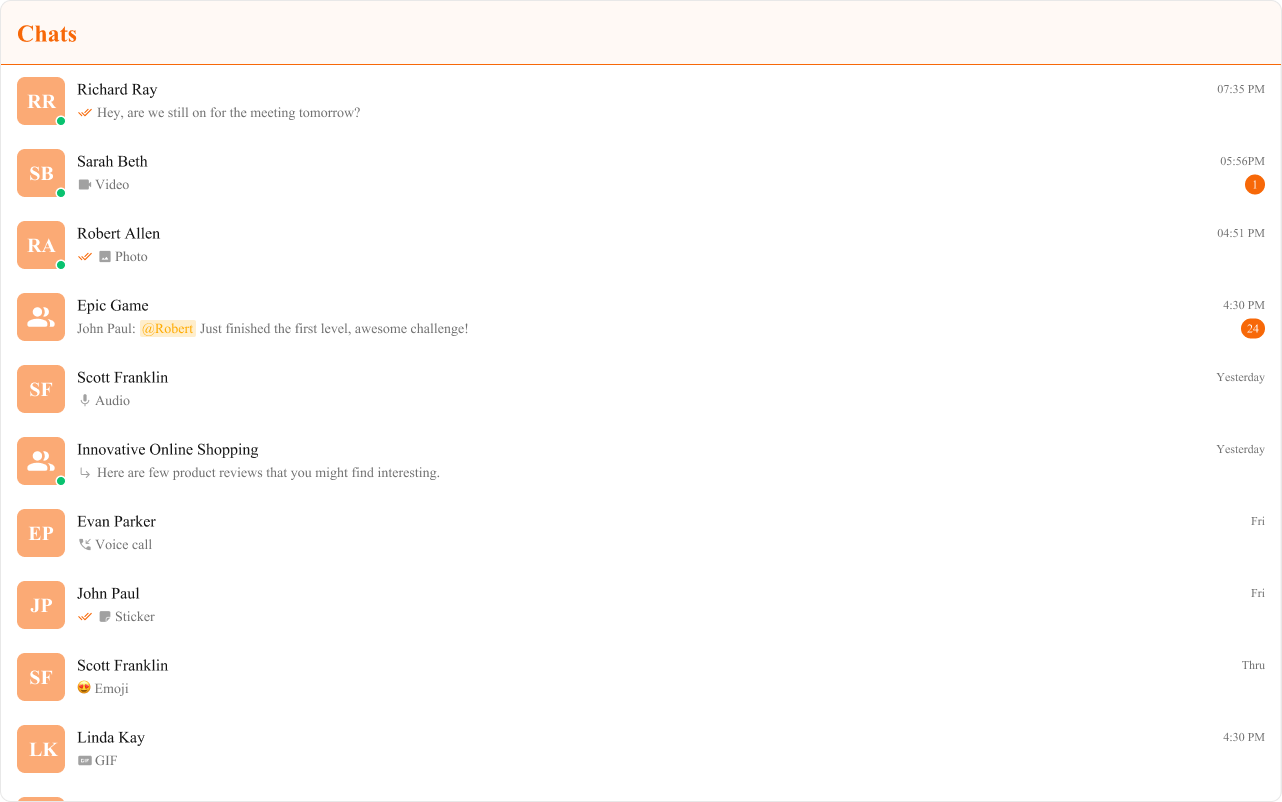
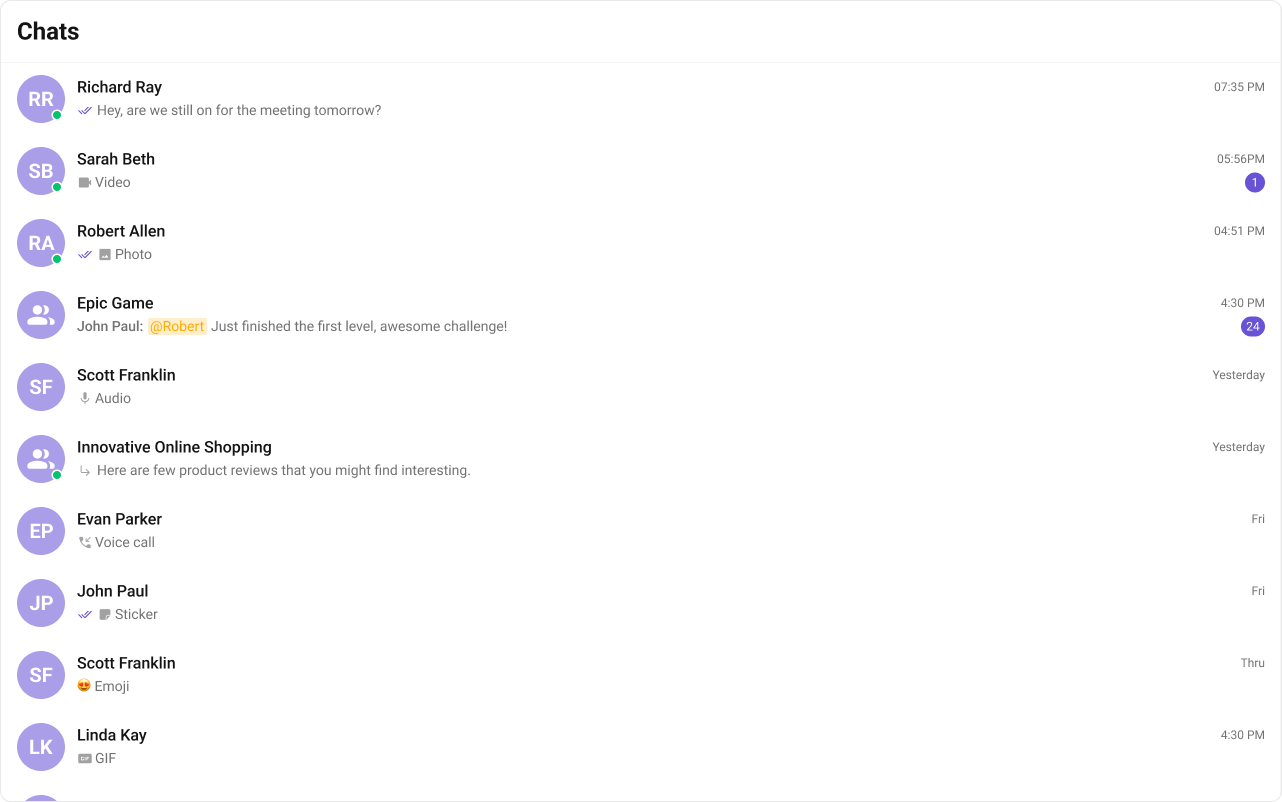
This renders a scrollable list with:
User/group avatars
Conversation names
Last message preview
Timestamps and unread badges
Online/offline status indicators
Step 2: Two-Panel Layout (Quick Start) For a complete chat experience with minimal code, use CometChatConversationsWithMessages:
import { CometChatConversationsWithMessages } from "@cometchat/chat-uikit-react" ; import "@cometchat/chat-uikit-react/css-variables.css" ; function ChatApp () { return ( < div style = { { width: "100vw" , height: "100vh" } } > < CometChatConversationsWithMessages /> </ div > ); } export default ChatApp ;
This component handles:
Conversation list rendering
Conversation selection
Message view switching
Real-time updates
Step 3: Custom Two-Panel Layout For more control, build your own two-panel layout using individual components:
import { useState } from "react" ; import { CometChatConversations , CometChatMessageHeader , CometChatMessageList , CometChatMessageComposer , } from "@cometchat/chat-uikit-react" ; import { CometChat } from "@cometchat/chat-sdk-javascript" ; import "@cometchat/chat-uikit-react/css-variables.css" ; function CustomChatLayout () { const [ selectedUser , setSelectedUser ] = useState < CometChat . User >(); const [ selectedGroup , setSelectedGroup ] = useState < CometChat . Group >(); const handleItemClick = ( conversation : CometChat . Conversation ) => { const entity = conversation . getConversationWith (); if ( entity instanceof CometChat . User ) { setSelectedUser ( entity ); setSelectedGroup ( undefined ); } else if ( entity instanceof CometChat . Group ) { setSelectedGroup ( entity ); setSelectedUser ( undefined ); } }; return ( < div style = { { display: "flex" , height: "100vh" , width: "100vw" } } > { /* Conversation List Panel */ } < div style = { { width: 400 , height: "100%" , borderRight: "1px solid #eee" } } > < CometChatConversations onItemClick = { handleItemClick } /> </ div > { /* Message Panel */ } { selectedUser || selectedGroup ? ( < div style = { { flex: 1 , display: "flex" , flexDirection: "column" } } > < CometChatMessageHeader user = { selectedUser } group = { selectedGroup } /> < CometChatMessageList user = { selectedUser } group = { selectedGroup } /> < CometChatMessageComposer user = { selectedUser } group = { selectedGroup } /> </ div > ) : ( < div style = { { flex: 1 , display: "grid" , placeItems: "center" , background: "#f5f5f5" , color: "#727272" } } > Select a conversation to start messaging </ div > ) } </ div > ); } export default CustomChatLayout ;
Key points:
onItemClick receives the selected CometChat.ConversationExtract the User or Group using getConversationWith()
Pass the user/group to message components
Step 4: Filtering Conversations Use ConversationsRequestBuilder to filter which conversations appear:
FilteredConversations.tsx
import { CometChatConversations } from "@cometchat/chat-uikit-react" ; import { CometChat } from "@cometchat/chat-sdk-javascript" ; function FilteredConversations () { return ( < CometChatConversations conversationsRequestBuilder = { new CometChat . ConversationsRequestBuilder () . setConversationType ( "user" ) // Only show user conversations . setLimit ( 20 ) // Limit to 20 per page } /> ); }
Pass the builder instance directly — not the result of .build(). The component calls .build() internally.
Common Filter Recipes Filter Code Only user conversations new CometChat.ConversationsRequestBuilder().setConversationType("user")Only group conversations new CometChat.ConversationsRequestBuilder().setConversationType("group")Limit results per page new CometChat.ConversationsRequestBuilder().setLimit(10)Filter by tags new CometChat.ConversationsRequestBuilder().setTags(["vip"])Filter by user tags new CometChat.ConversationsRequestBuilder().withUserAndGroupTags(true).setUserTags(["premium"])Filter by group tags new CometChat.ConversationsRequestBuilder().withUserAndGroupTags(true).setGroupTags(["support"])
See ConversationsRequestBuilder for the full API.
Step 5: Handling Events Listen to conversation events for real-time updates:
import { useEffect } from "react" ; import { CometChatConversationEvents } from "@cometchat/chat-uikit-react" ; import { CometChat } from "@cometchat/chat-sdk-javascript" ; function useConversationEvents () { useEffect (() => { const deletedSub = CometChatConversationEvents . ccConversationDeleted . subscribe ( ( conversation : CometChat . Conversation ) => { console . log ( "Conversation deleted:" , conversation . getConversationId ()); } ); const updatedSub = CometChatConversationEvents . ccUpdateConversation . subscribe ( ( conversation : CometChat . Conversation ) => { console . log ( "Conversation updated:" , conversation . getConversationId ()); } ); const readSub = CometChatConversationEvents . ccMarkConversationAsRead . subscribe ( ( conversation : CometChat . Conversation ) => { console . log ( "Marked as read:" , conversation . getConversationId ()); } ); return () => { deletedSub ?. unsubscribe (); updatedSub ?. unsubscribe (); readSub ?. unsubscribe (); }; }, []); }
Event Fires When ccConversationDeletedA conversation is deleted from the list ccUpdateConversationA conversation is updated (new message, metadata change) ccMarkConversationAsReadA conversation is marked as read
Complete Example Here’s a full implementation with conversation filtering and custom layout:
import { useState } from "react" ; import { CometChatConversations , CometChatMessageHeader , CometChatMessageList , CometChatMessageComposer , } from "@cometchat/chat-uikit-react" ; import { CometChat } from "@cometchat/chat-sdk-javascript" ; import "@cometchat/chat-uikit-react/css-variables.css" ; function ChatApp () { const [ selectedUser , setSelectedUser ] = useState < CometChat . User >(); const [ selectedGroup , setSelectedGroup ] = useState < CometChat . Group >(); const [ activeConversation , setActiveConversation ] = useState < CometChat . Conversation >(); const handleItemClick = ( conversation : CometChat . Conversation ) => { setActiveConversation ( conversation ); const entity = conversation . getConversationWith (); if ( entity instanceof CometChat . User ) { setSelectedUser ( entity ); setSelectedGroup ( undefined ); } else if ( entity instanceof CometChat . Group ) { setSelectedGroup ( entity ); setSelectedUser ( undefined ); } }; return ( < div style = { { display: "flex" , height: "100vh" , width: "100vw" } } > < div style = { { width: 400 , height: "100%" , borderRight: "1px solid #eee" } } > < CometChatConversations onItemClick = { handleItemClick } activeConversation = { activeConversation } showSearchBar = { true } showScrollbar = { true } /> </ div > { selectedUser || selectedGroup ? ( < div style = { { flex: 1 , display: "flex" , flexDirection: "column" } } > < CometChatMessageHeader user = { selectedUser } group = { selectedGroup } /> < CometChatMessageList user = { selectedUser } group = { selectedGroup } /> < CometChatMessageComposer user = { selectedUser } group = { selectedGroup } /> </ div > ) : ( < div style = { { flex: 1 , display: "grid" , placeItems: "center" , background: "#f5f5f5" , color: "#727272" } } > Select a conversation to start messaging </ div > ) } </ div > ); } export default ChatApp ;
Custom Item View Replace the entire conversation list item: import { CometChatConversations , CometChatListItem , CometChatDate } from "@cometchat/chat-uikit-react" ; import { CometChat } from "@cometchat/chat-sdk-javascript" ; function CustomItemConversations () { const getItemView = ( conversation : CometChat . Conversation ) => { const title = conversation . getConversationWith (). getName (); const timestamp = conversation . getLastMessage ()?. getSentAt (); return ( < CometChatListItem title = { title } avatarName = { title } id = { conversation . getConversationId () } trailingView = { < CometChatDate timestamp = { timestamp } /> } /> ); }; return < CometChatConversations itemView = { getItemView } /> ; }
Replace the header bar: import { CometChatConversations , CometChatButton , getLocalizedString } from "@cometchat/chat-uikit-react" ; function CustomHeaderConversations () { return ( < CometChatConversations headerView = { < div style = { { display: "flex" , padding: "8px 16px" , justifyContent: "space-between" , alignItems: "center" } } > < h2 > { getLocalizedString ( "CHATS" ) } </ h2 > < CometChatButton onClick = { () => console . log ( "New chat" ) } /> </ div > } /> ); }
Custom Empty State Show a custom message when no conversations exist: import { CometChatConversations } from "@cometchat/chat-uikit-react" ; function EmptyStateConversations () { return ( < CometChatConversations emptyView = { < div style = { { textAlign: "center" , padding: 40 } } > < p > No conversations yet </ p > < button onClick = { () => console . log ( "Start chat" ) } > Start a conversation </ button > </ div > } /> ); }
Visibility Options Control which UI elements are visible: import { CometChatConversations } from "@cometchat/chat-uikit-react" ; function MinimalConversations () { return ( < CometChatConversations hideReceipts = { true } // Hide read/delivery receipts hideUserStatus = { true } // Hide online/offline indicators hideGroupType = { true } // Hide group type icons hideDeleteConversation = { true } // Hide delete option in context menu showSearchBar = { true } // Show search bar showScrollbar = { true } // Show scrollbar /> ); }
Replace the hover/context menu actions: import { CometChatConversations , CometChatOption } from "@cometchat/chat-uikit-react" ; import { CometChat } from "@cometchat/chat-sdk-javascript" ; function CustomOptionsConversations () { const getOptions = ( conversation : CometChat . Conversation ) => [ new CometChatOption ({ title: "Delete" , id: "delete" , onClick : () => console . log ( "Delete" , conversation . getConversationId ()), }), new CometChatOption ({ title: "Mute" , id: "mute" , onClick : () => console . log ( "Mute" , conversation . getConversationId ()), }), new CometChatOption ({ title: "Mark as Unread" , id: "unread" , onClick : () => console . log ( "Mark unread" , conversation . getConversationId ()), }), ]; return < CometChatConversations options = { getOptions } /> ; }
Key CSS Selectors Target Selector Root .cometchat-conversationsHeader title .cometchat-conversations .cometchat-list__header-titleList item .cometchat-conversations .cometchat-list-itemAvatar .cometchat-conversations .cometchat-avatarUnread badge .cometchat-conversations .cometchat-badgeActive item .cometchat-conversations__list-item-active .cometchat-list-itemTyping indicator .cometchat-conversations__subtitle-typing
Example: Brand-Themed Conversations .cometchat-conversations .cometchat-list__header-title { background : #fef8f8 ; border-bottom : 2 px solid #f4b6b8 ; } .cometchat-conversations .cometchat-avatar { background : #f0999b ; } .cometchat-conversations .cometchat-badge { background : #e5484d ; } .cometchat-conversations .cometchat-receipts-read { background : #e96b6f ; }
Common Issues Components must not render until CometChat is initialized and the user is logged in. Gate rendering with state checks.
Issue Solution Blank conversation list Ensure CometChatUIKit.init() and login() complete before rendering onItemClick not firingVerify the callback is passed correctly; check for JavaScript errors in console Conversations not updating Real-time updates require WebSocket connection; check network tab for WS Filter not working Pass the builder instance, not .build() result Styles missing Add @import url("@cometchat/chat-uikit-react/css-variables.css"); to global CSS
For more help, see the Troubleshooting Guide or contact CometChat Support .
Next Steps 


 This component handles: