

AI Agent Component Spec
AI Agent Component Spec
Overview
The CometChat React UI Kit provides a comprehensive set of chat features out of the box. This guide maps each core feature to the components that power it, helping you understand how to build a complete chat experience. Time estimate: 5 minutesDifficulty: Beginner
Prerequisites
- React.js integration completed
- Basic understanding of CometChat components
Core Features
Instant Messaging
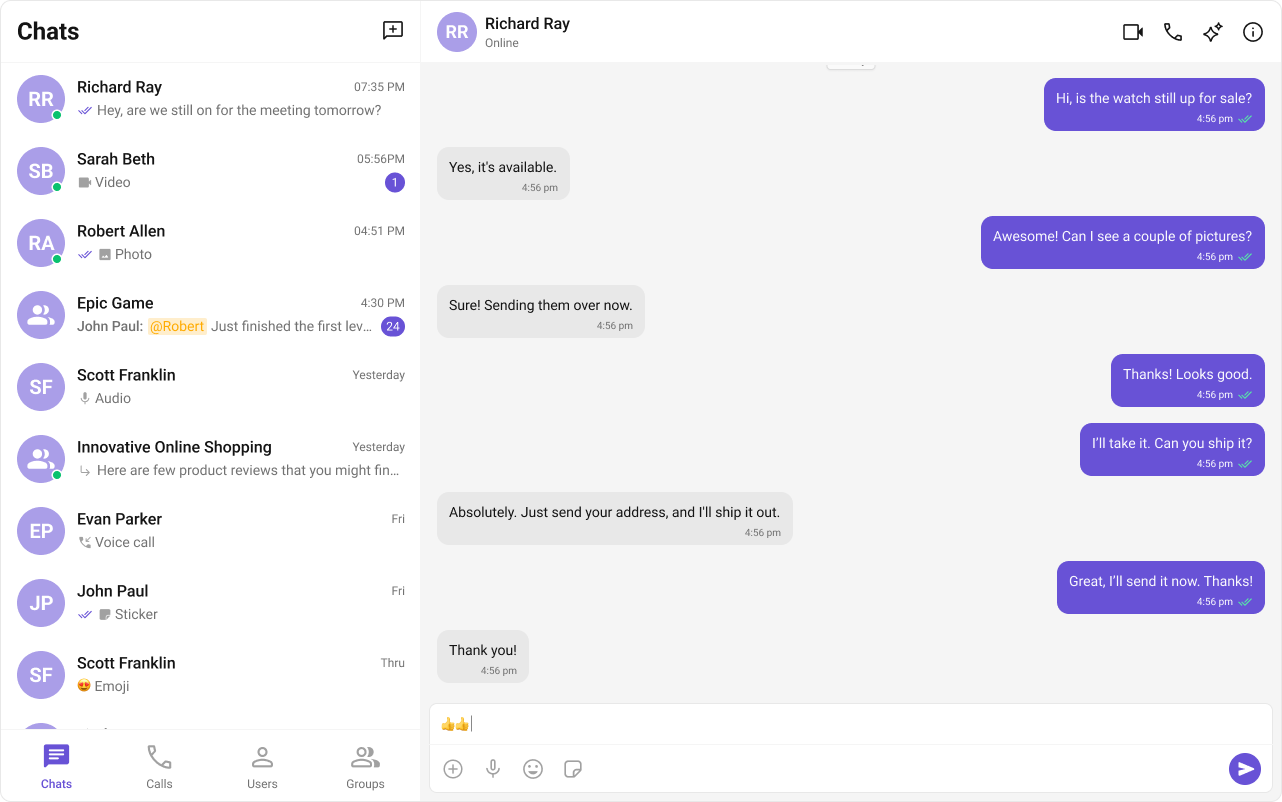
Real-time text messaging is the foundation of any chat application.| Component | Role |
|---|---|
| Message Composer | Write and send messages |
| Message List | Display sent and received messages |
Media Sharing
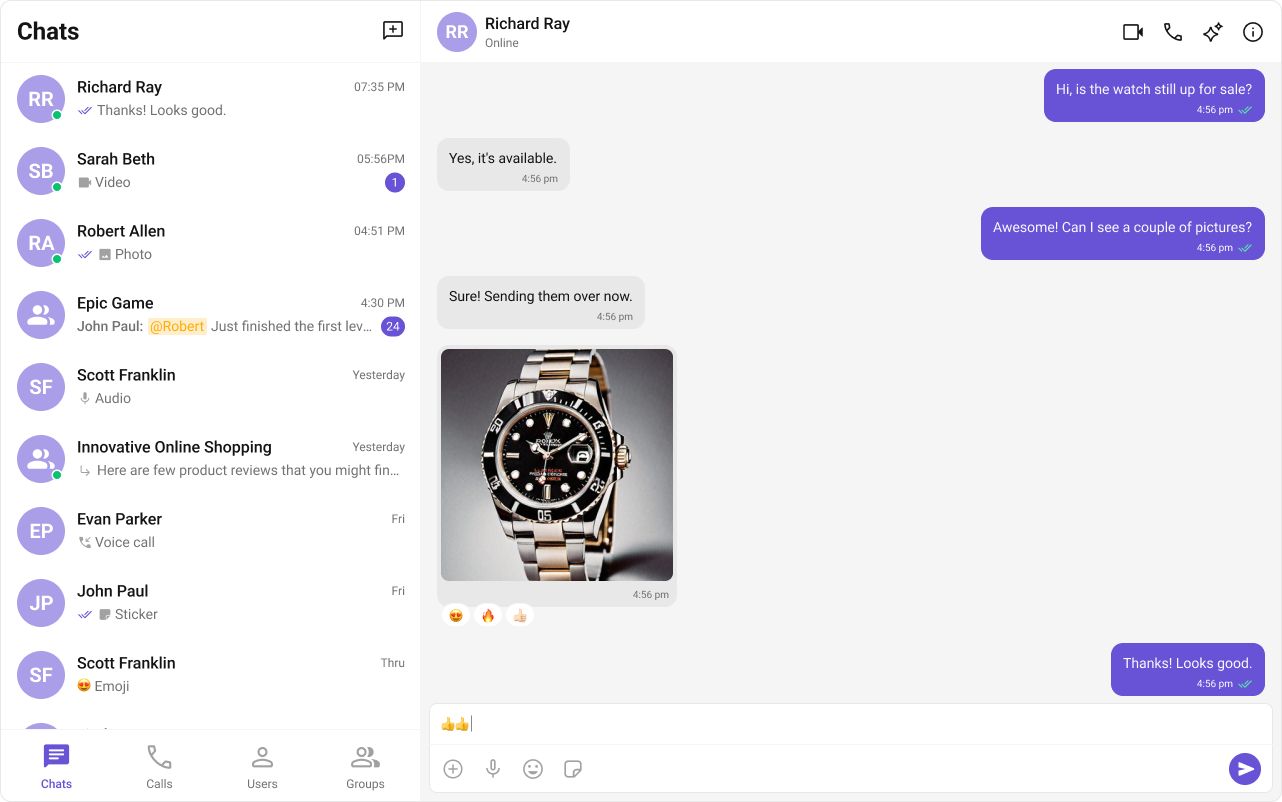
Share images, videos, audio files, and documents within conversations.| Component | Role |
|---|---|
| Message Composer | Attach and send media files |
| Message List | Render media message bubbles |
Read Receipts
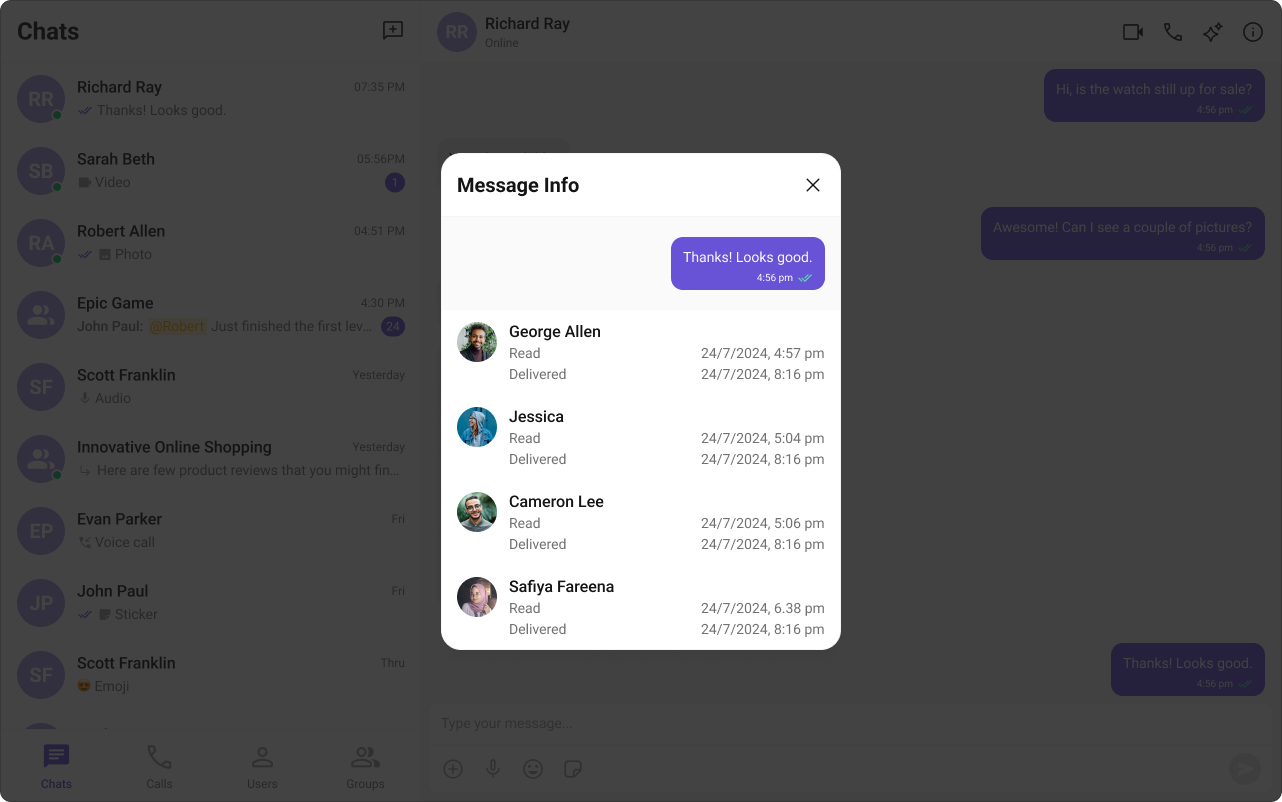
Show message delivery and read status to users.| Component | Role |
|---|---|
| Conversations | Display last message status |
| Message List | Show receipt indicators on messages |
Typing Indicator
Show when users are typing in real-time.| Component | Role |
|---|---|
| Conversations | Show typing status in list |
| Message Header | Display “typing…” indicator |

User Presence
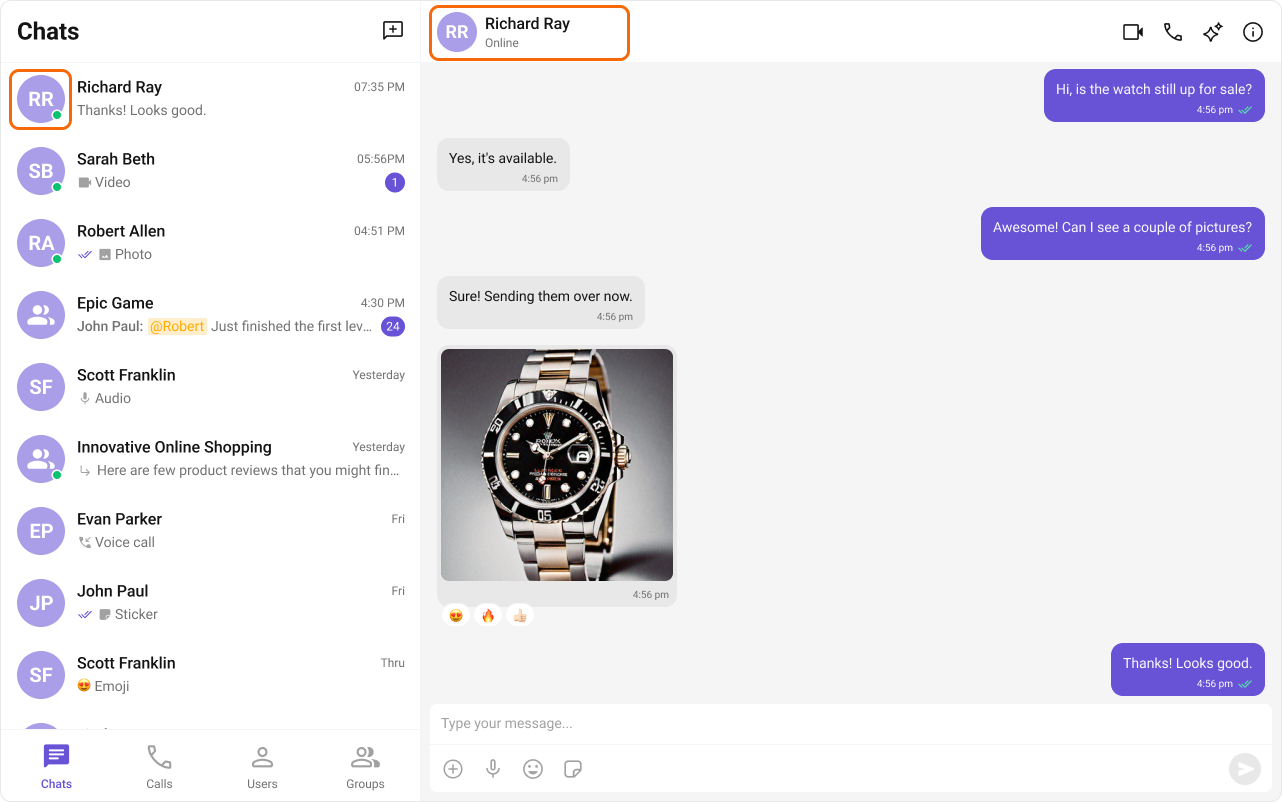
Display online/offline status for contacts.| Component | Role |
|---|---|
| Conversations | Show presence in conversation list |
| Message Header | Display user status |
| Users | Show presence in user list |
| Group Members | Show member presence |
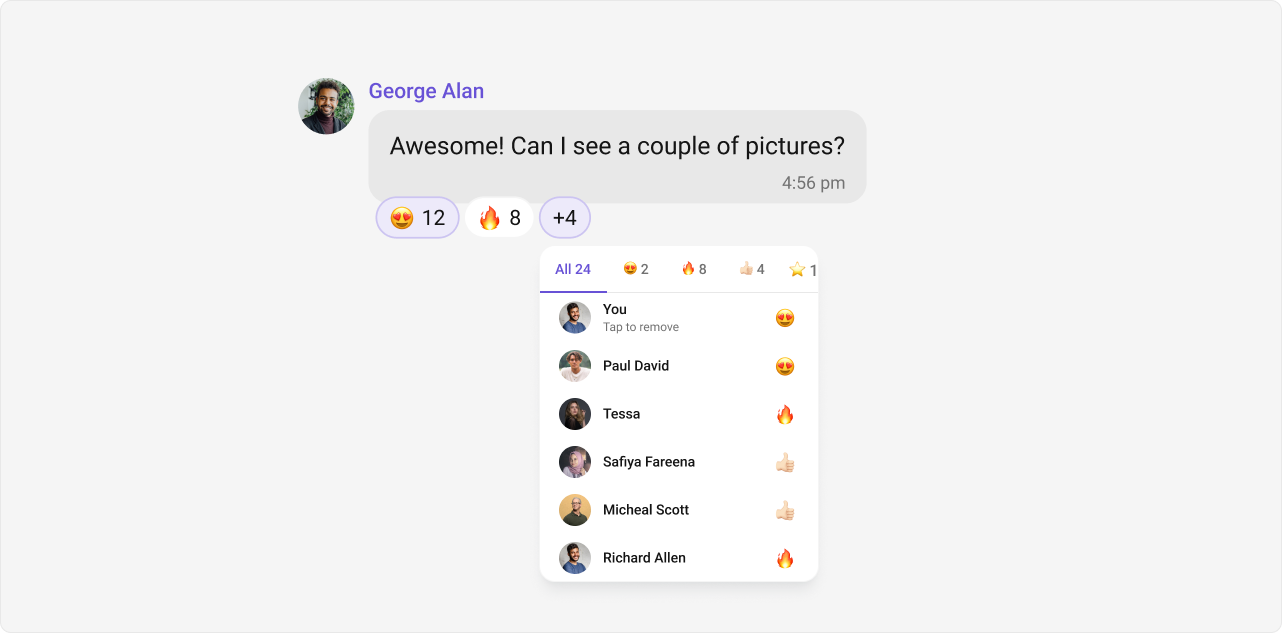
Reactions
Allow users to react to messages with emojis.| Component | Role |
|---|---|
| Message List | Display and manage reactions |
Mentions
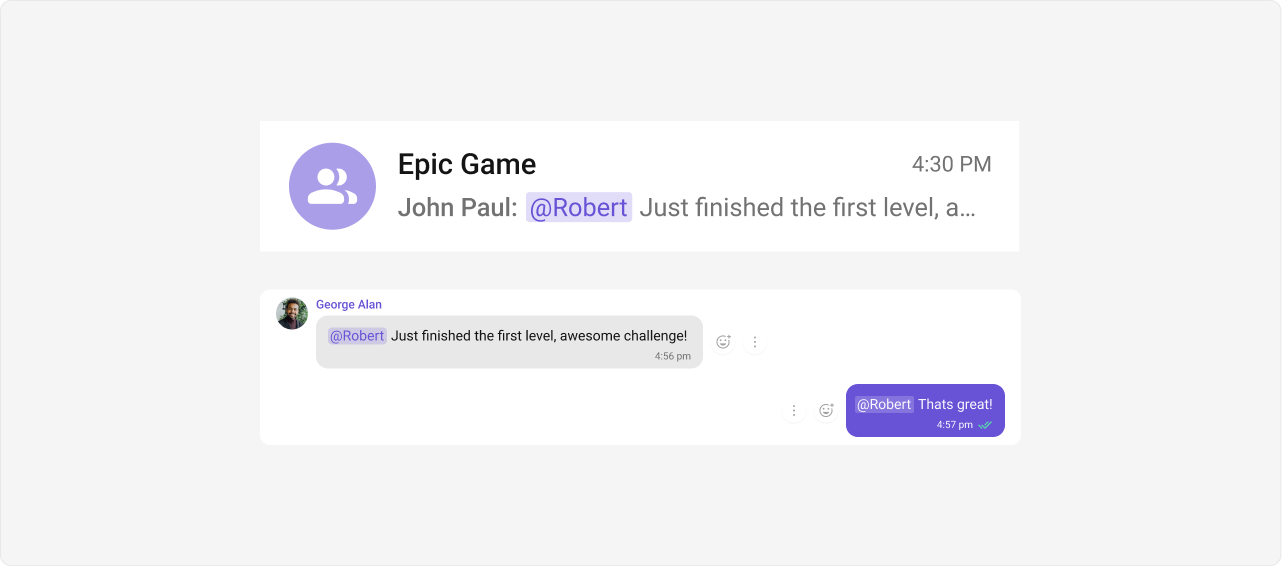
Tag users directly in messages with @mentions.| Component | Role |
|---|---|
| Conversations | Show mention indicators |
| Message Composer | Enable @mention input |
| Message List | Render mention formatting |
Threaded Conversations
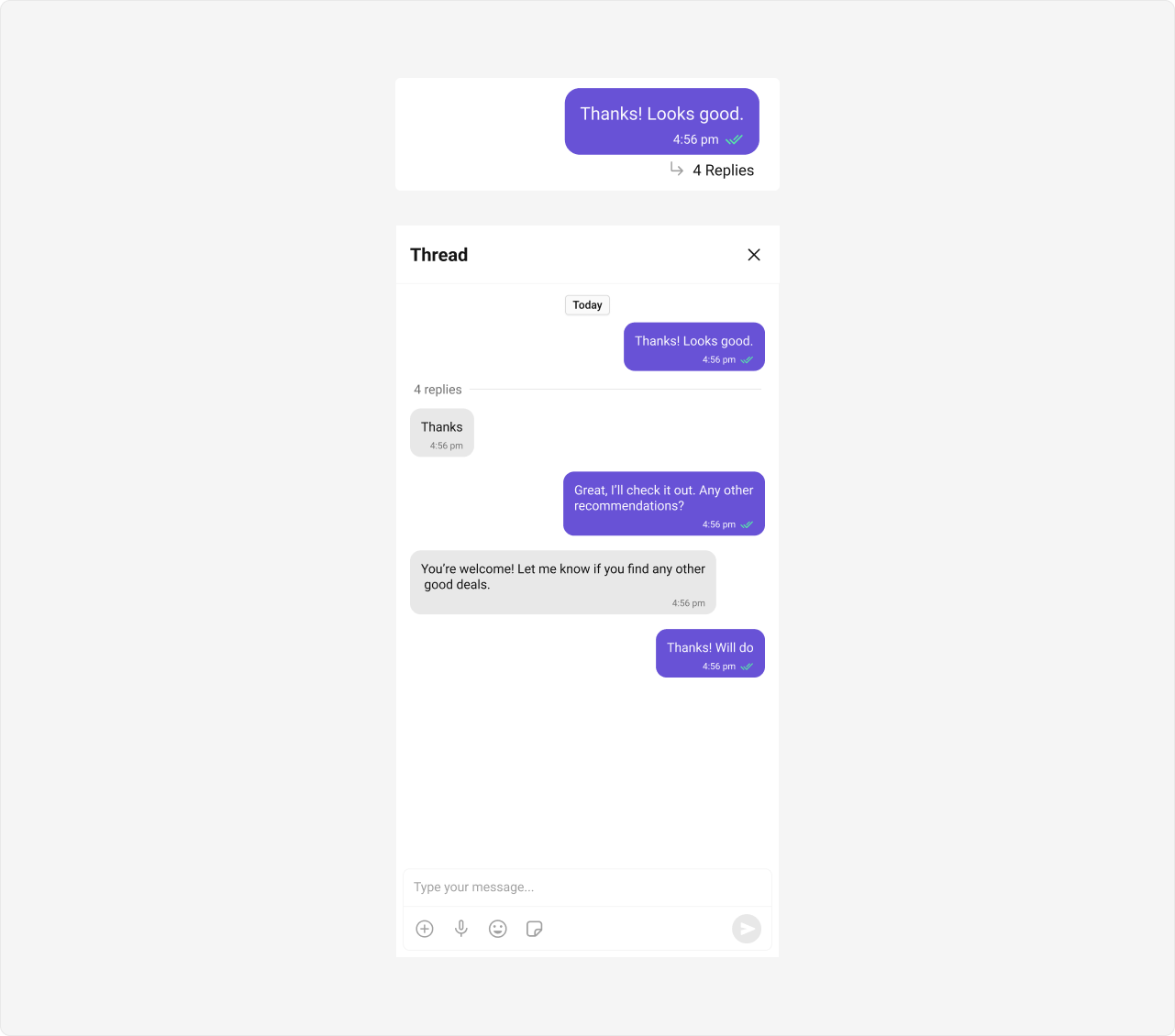
Reply directly to specific messages to keep conversations organized.| Component | Role |
|---|---|
| Threaded Messages | Display parent message with replies |
Search
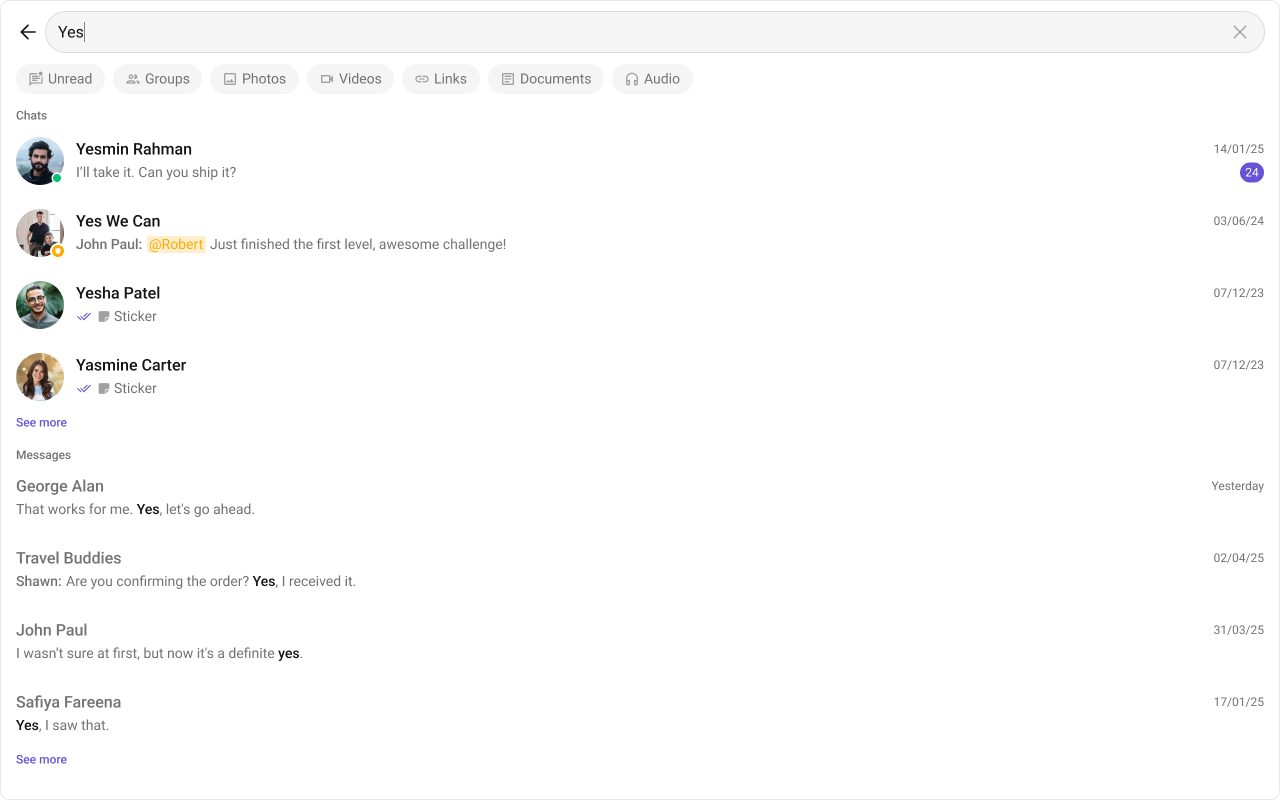
Find conversations, messages, and media across chats.| Component | Role |
|---|---|
| Search | Search across conversations |
| Message Header | In-conversation search |
| Message List | Highlight search results |
Group Chat
Enable multi-participant conversations.| Component | Role |
|---|---|
| Groups | List and manage groups |
| Group Members | Manage group participants |
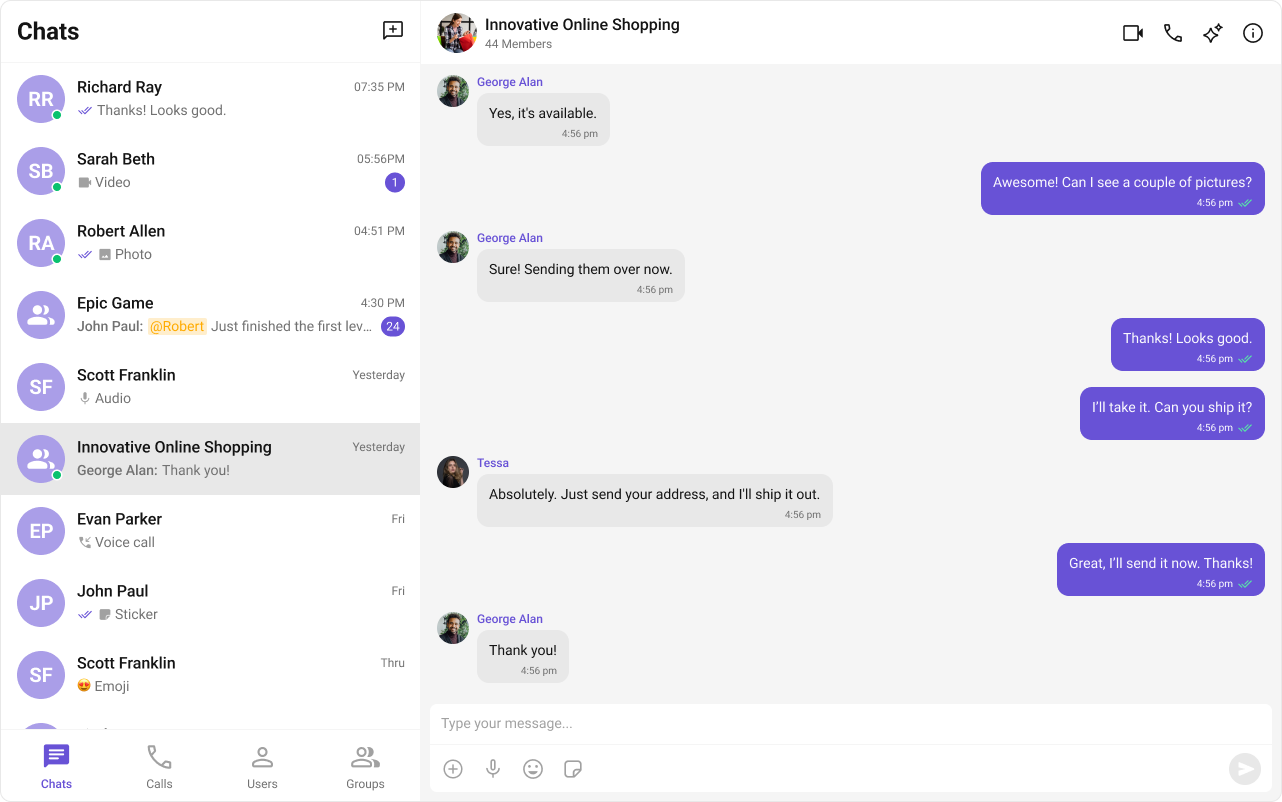
Quick Start
Get all core features with a single component:- Conversation list with presence and typing indicators
- Message list with reactions, receipts, and media support
- Message composer with mentions and attachments
- Message header with user/group info
Next Steps
Conversations
Build a conversation list
Messaging
Implement messaging features
Groups
Add group chat support
Theming
Customize the appearance