

AI Agent Component Spec
AI Agent Component Spec
Overview
Threaded messages let users reply to specific messages, keeping related discussions organized. You’ll build a thread panel that shows the parent message and its replies. Time estimate: 15 minutesDifficulty: Intermediate
Prerequisites
- React.js integration completed
- Messaging guide completed
Steps
Step 1: Create the thread panel layout
CombineCometChatThreadHeader, CometChatMessageList, and CometChatMessageComposer with a parentMessageId:
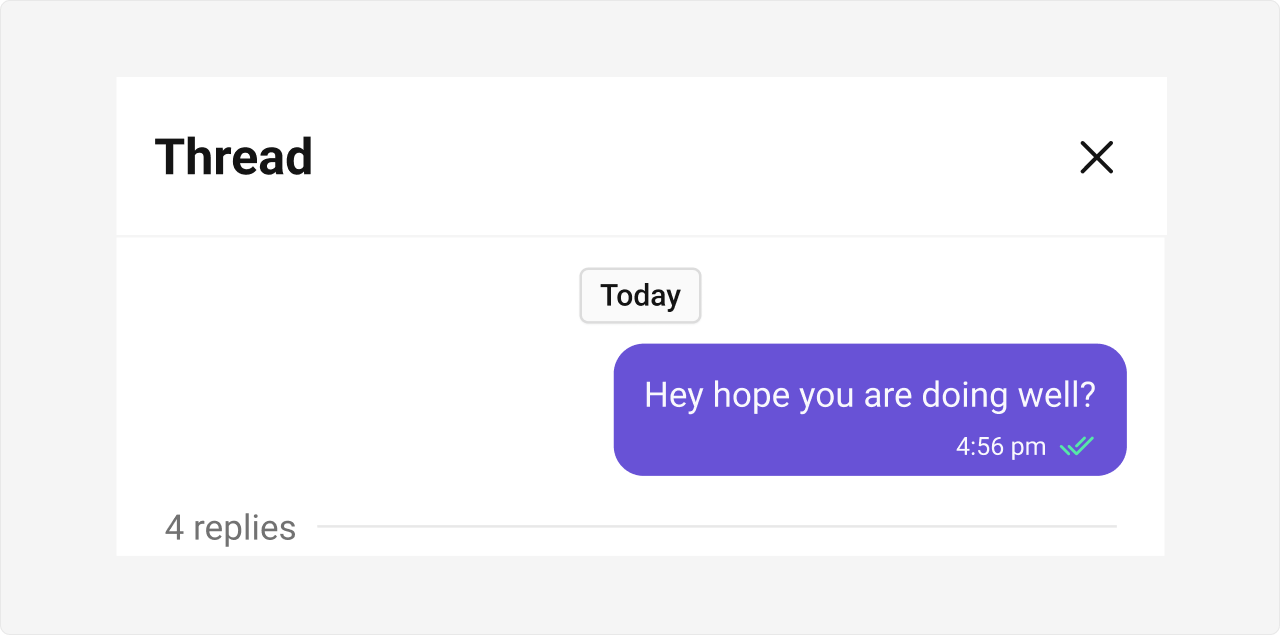
Step 2: Integrate with your chat layout
Add a side panel that opens when a user clicks “Reply in thread”:Step 3: Handle thread header callbacks
Add event handlers for user interactions:Step 4: Customize the thread header
Hide elements or customize date formats:Step 5: Style the thread panel
Apply custom CSS to match your brand: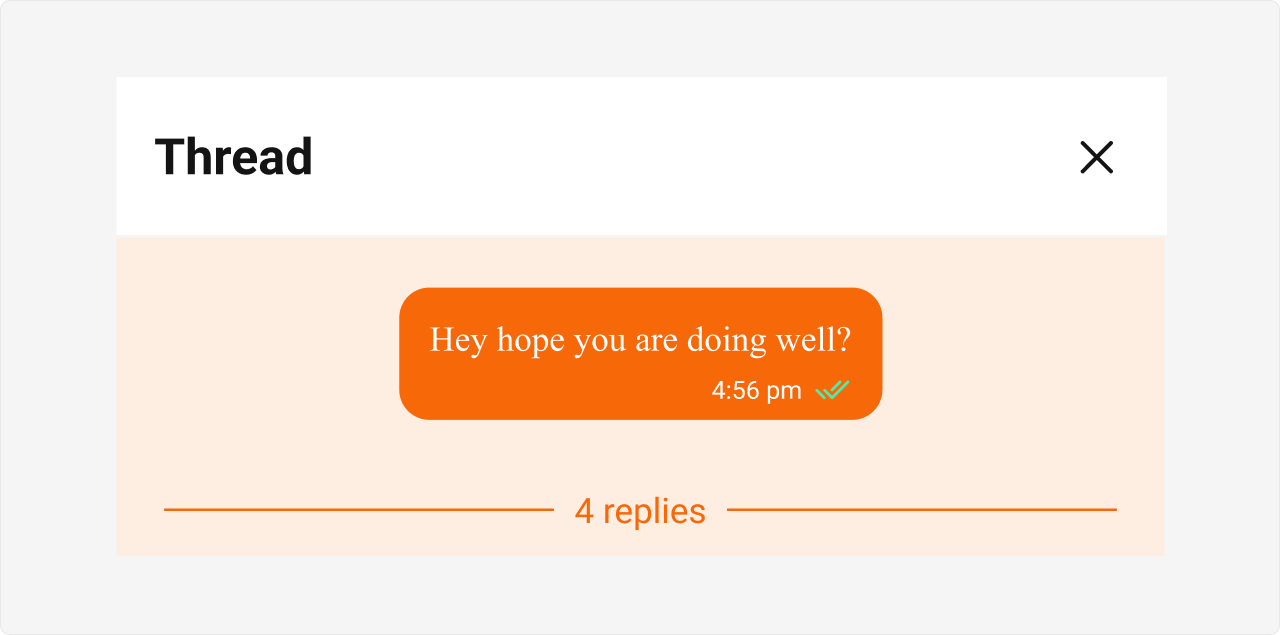
Complete Example
Advanced: Custom parent message bubble
Advanced: Custom parent message bubble
Replace the default parent message display:
Common Issues
| Issue | Solution |
|---|---|
| Replies not showing in thread | Verify parentMessageId is passed to MessageList |
| Reply count not updating | Component auto-subscribes to SDK events - check connection |
| Thread panel not closing | Ensure onClose callback updates your state |