

AI Agent Component Spec
AI Agent Component Spec
Overview
The incoming call component displays a notification overlay when someone calls your user. It auto-detects incoming calls and shows accept/decline buttons with caller information. Place it at your app’s root level so it appears above all other content. Time estimate: 10 minutesDifficulty: Beginner
Prerequisites
- React.js integration completed
- Voice/Video calling guide reviewed
- CometChat Calls SDK initialized
Steps
Step 1: Add the incoming call component
PlaceCometChatIncomingCall at your app root. It automatically listens for incoming calls:
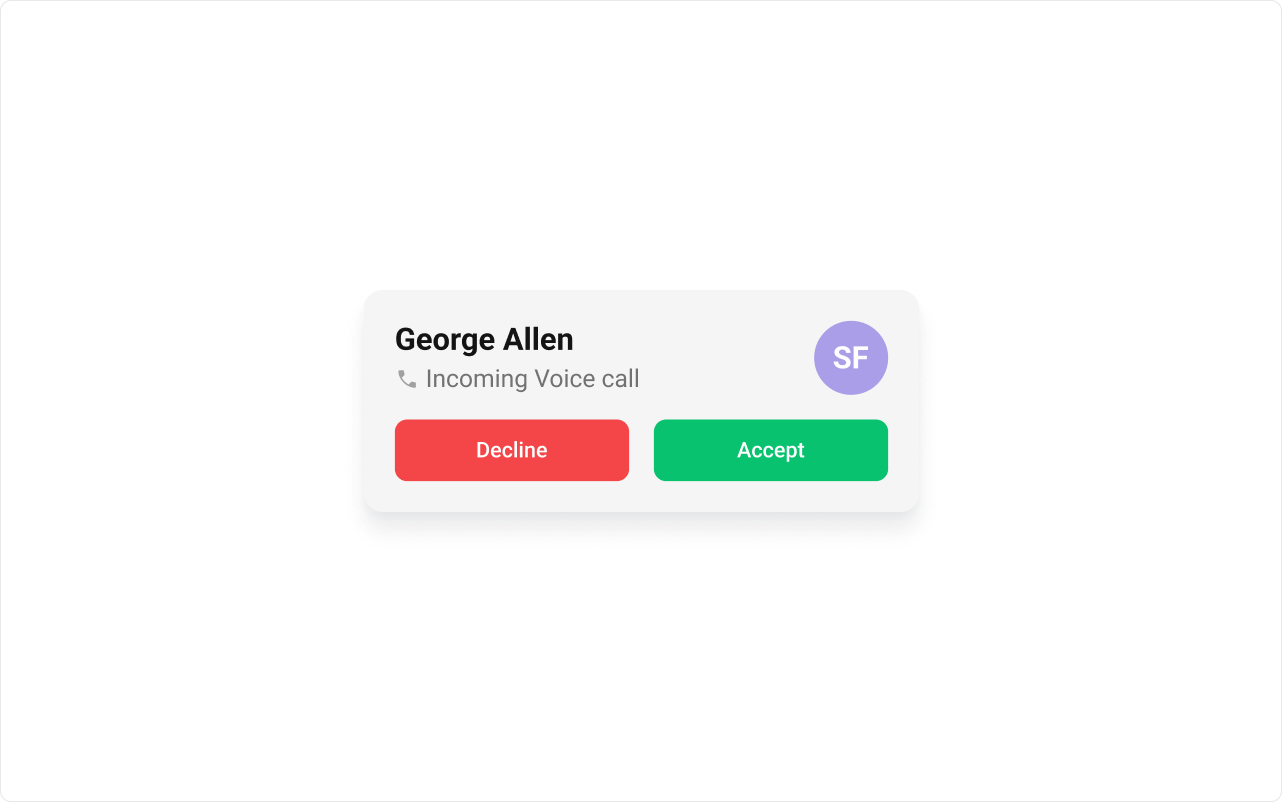
Step 2: Handle accept and decline actions
Add callbacks to respond when the user accepts or declines:Step 3: Subscribe to call events globally
Listen for call events anywhere in your app:Step 4: Customize the ringtone
Use a custom sound or disable the ringtone entirely:Step 5: Customize the UI with view slots
Replace parts of the incoming call notification: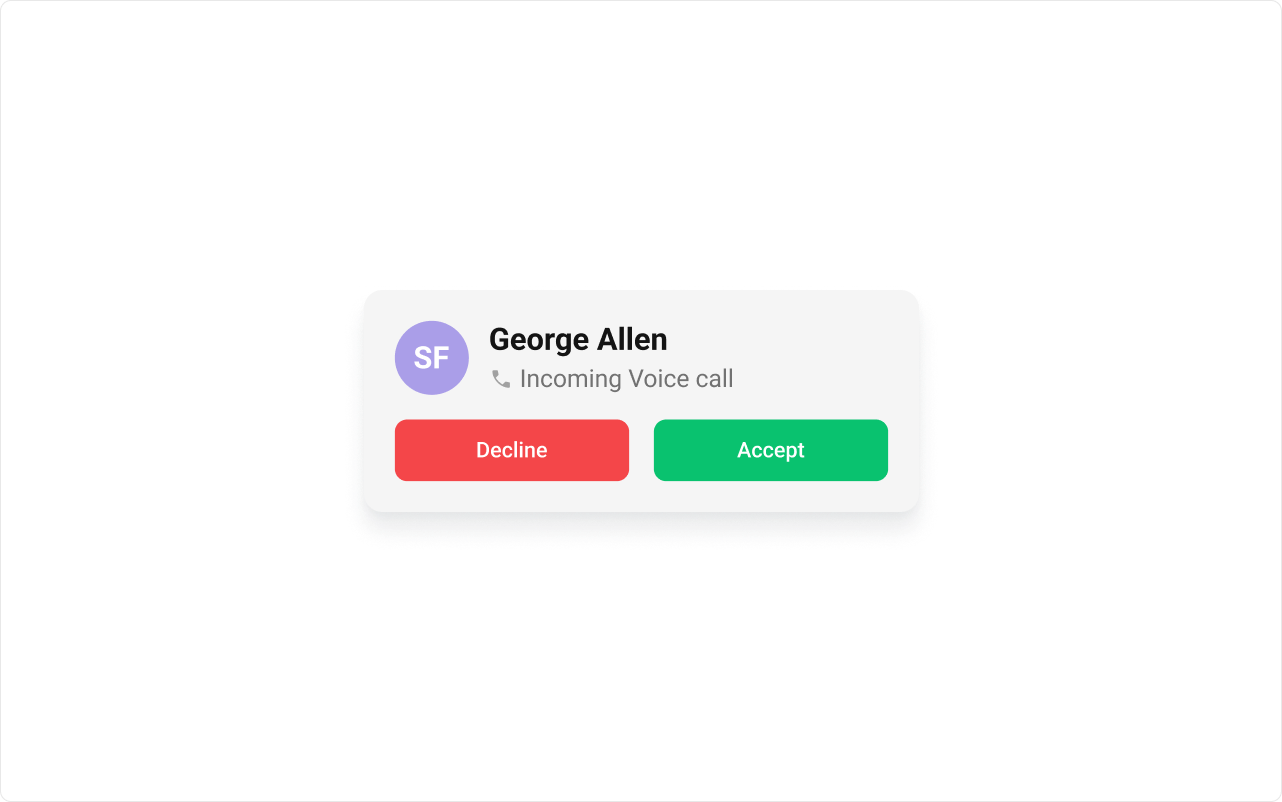
Complete Example
Advanced: Custom call settings
Advanced: Custom call settings
Configure the call session when accepted:
Common Issues
| Issue | Solution |
|---|---|
| Notification not showing | Ensure component is at app root level |
| No ringtone playing | Check browser autoplay policies, user must interact first |
| Call events not firing | Verify CometChat SDK is initialized |